THE STMIRREN FC WEB APP
ADD US TO YOUR HOME SCREEN
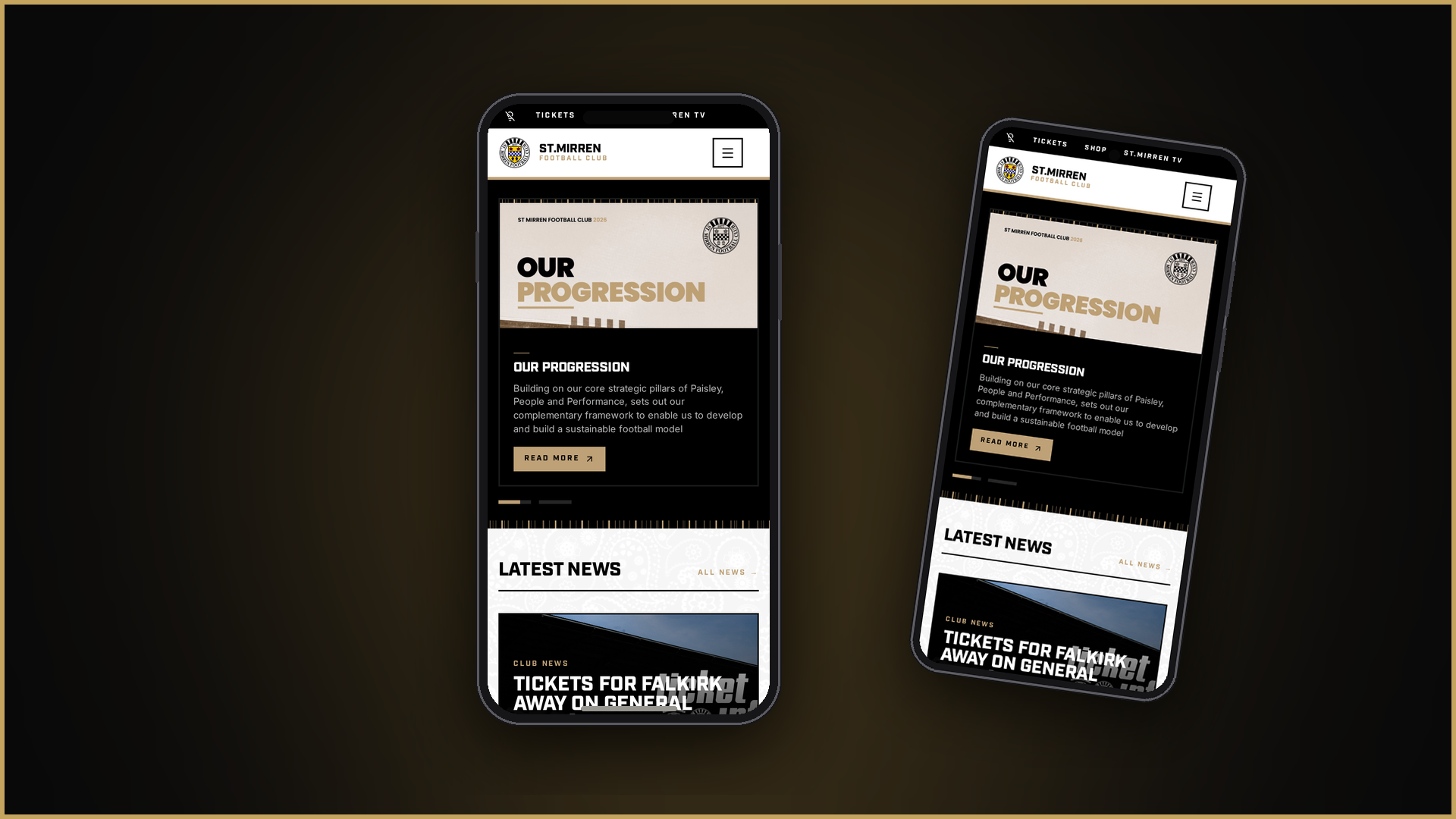
Get one-tap access to news, fixtures, results and tickets — no app store required. Our site installs straight onto your phone like an app.

iPhone & iPad
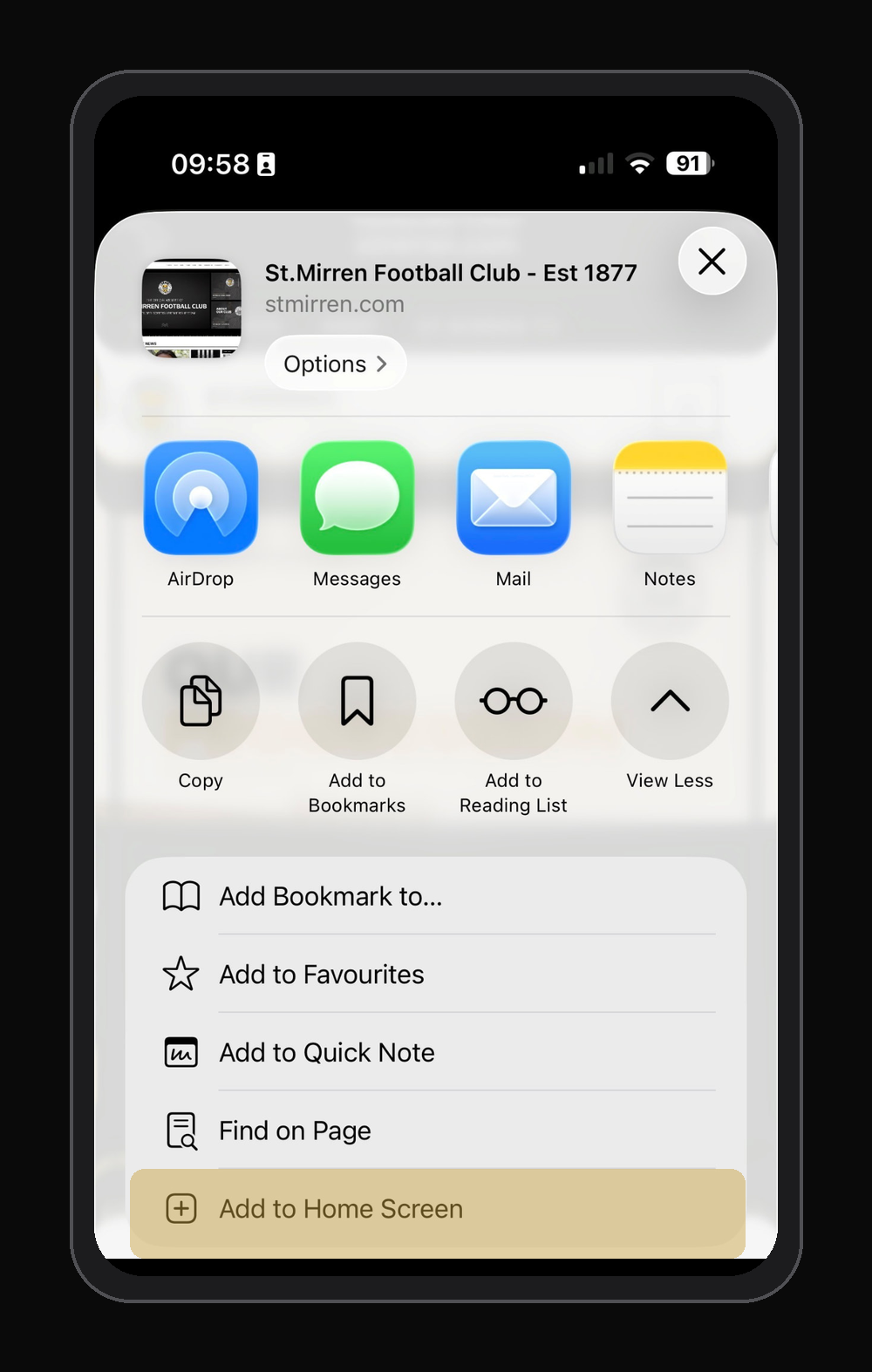
Install on iOS
- 1Open stmirren.com in Safari on your iPhone or iPad.
- 2Tap the Share button (the square with an arrow pointing up) at the bottom of the screen.
- 3Scroll down the share sheet and tap “Add to Home Screen”.
- 4Tap “Add” in the top right — the Saints crest will appear on your home screen.
Android
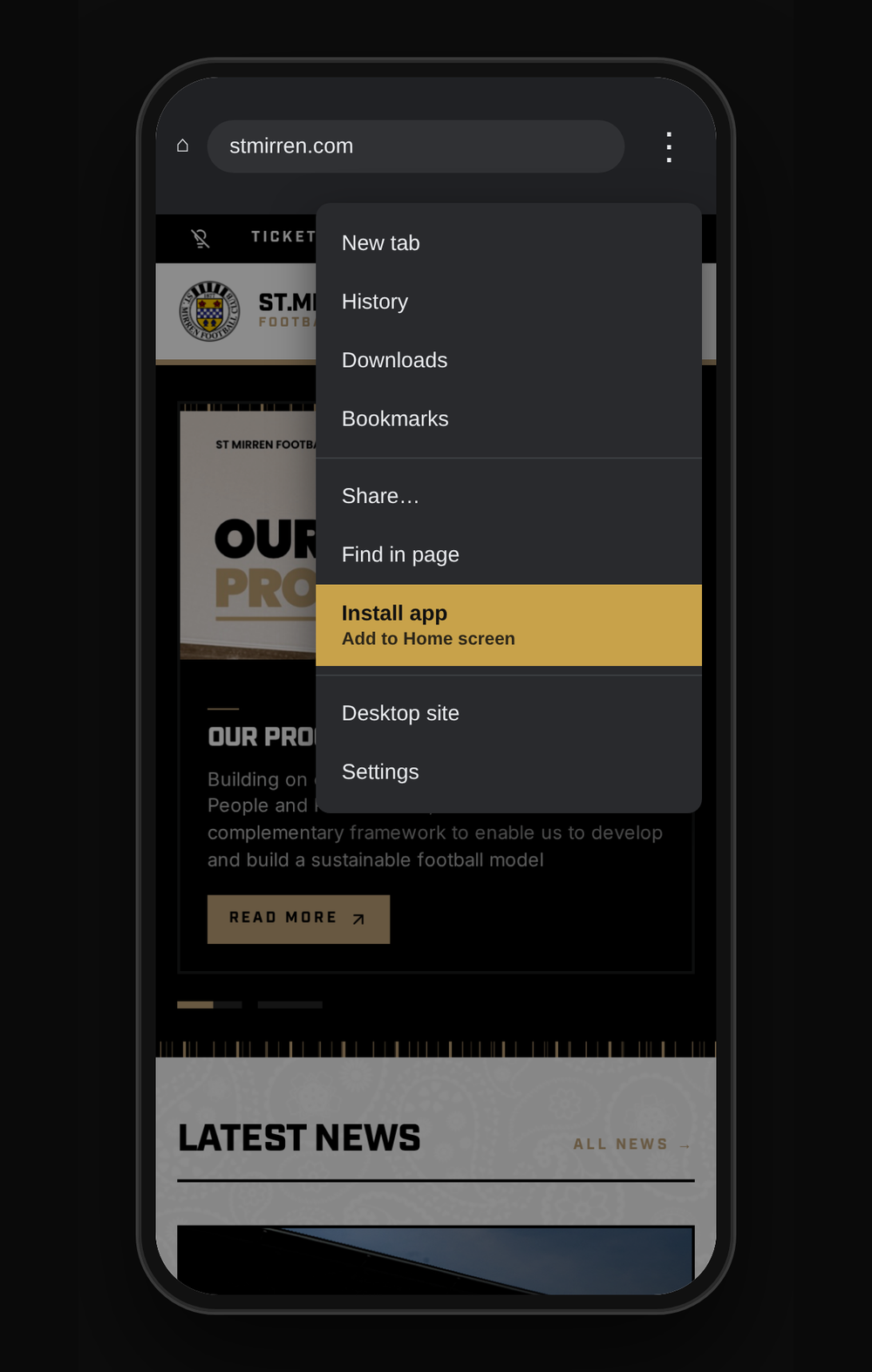
Install on Android
- 1Open stmirren.com in Chrome on your Android phone or tablet.
- 2Tap the three-dot menu button in the top right corner.
- 3Tap “Install app” (or “Add to Home screen”).
- 4Confirm with “Install” — the Saints crest will appear on your home screen.
Good to know
- • On iOS you must use Safari — Chrome and Firefox can’t add to the home screen.
- • The Saints crest appears as your app icon, and the site opens full screen without browser bars.
- • Nothing to download, no storage used, and it always shows the latest content.
- • To remove it, press and hold the icon on your home screen and delete it as you would any app.